
Equipe Interfy · 6 min read
- Process Automation
- parallel approval workflow
Parallel Approval Workflows: How to Get Every Team's Sign-Off Without the Email Chase
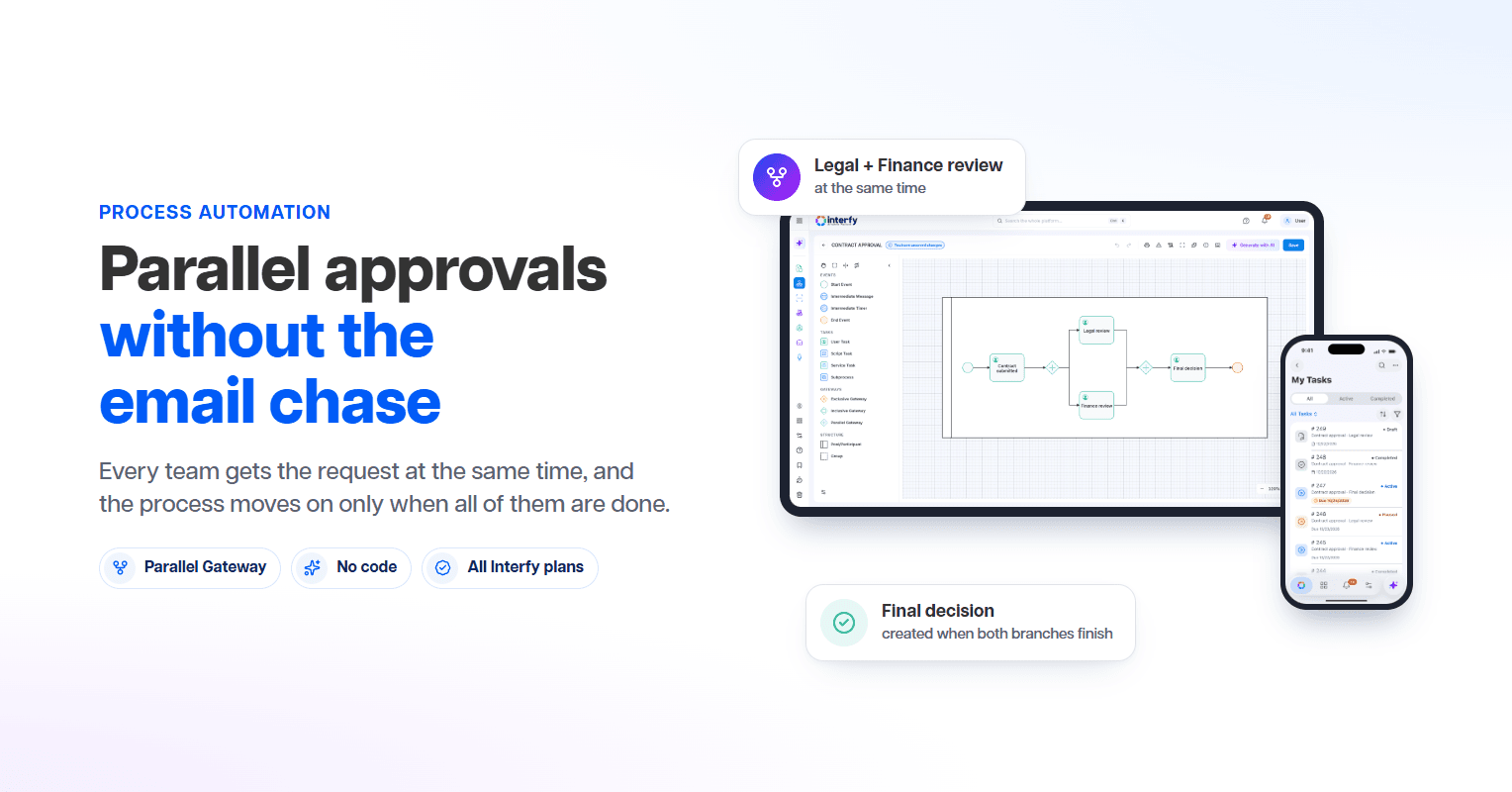
Parallel approval workflows send one request to Legal, Finance and other teams at once. Learn how to build one in Interfy Process, no code required.
In this article
- What is a parallel approval workflow?
- The cost of sequential approvals
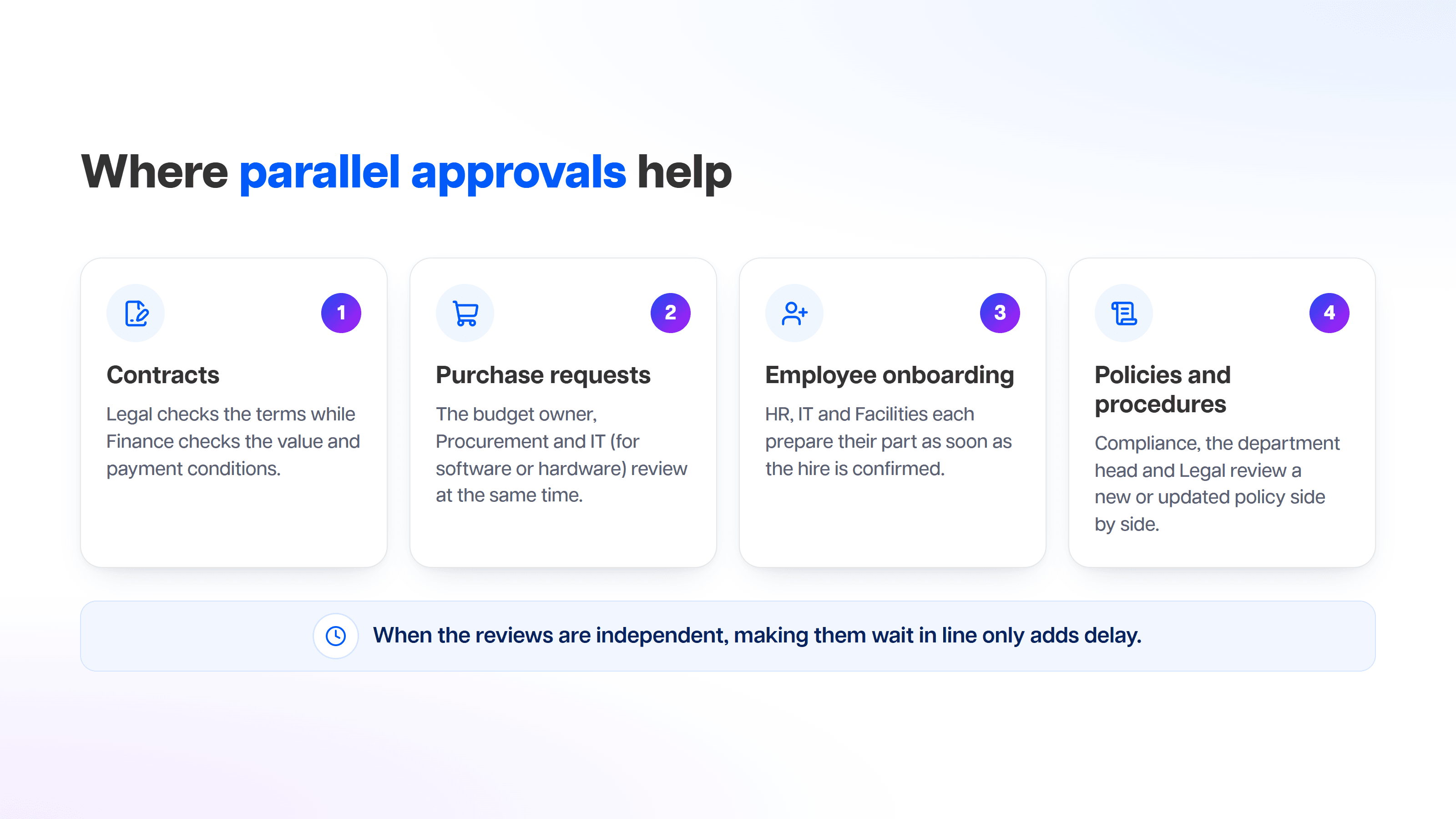
- Where parallel approvals help
- How to build a parallel approval in Interfy Process
- Keep each case visible to the right departments
- Track every branch in My Activities and the All Cases report
- Connect approvals to other systems with Webhooks
- Parallel approval checklist
- FAQ
- Related reading
A contract needs Legal's review and Finance's sign-off. In most companies, that means an email to Legal, a wait, a forward to Finance, another wait, and a round of "did anyone look at this?" messages in between. Each team may need only a few minutes with the document, but the request spends most of its life sitting in someone's inbox, waiting for the previous person.
A parallel approval workflow fixes that by asking every team at the same time and moving forward only when all of them are done. This post explains how parallel approvals work, when to use them, and how to build one in Interfy Process without writing code.
What is a parallel approval workflow?
A parallel approval workflow is a process where one request is sent to several reviewers or teams at once, each reviews it independently, and the process continues only after every branch has finished. It is the opposite of a sequential approval workflow, where reviewers act one after another and each step waits for the one before it.
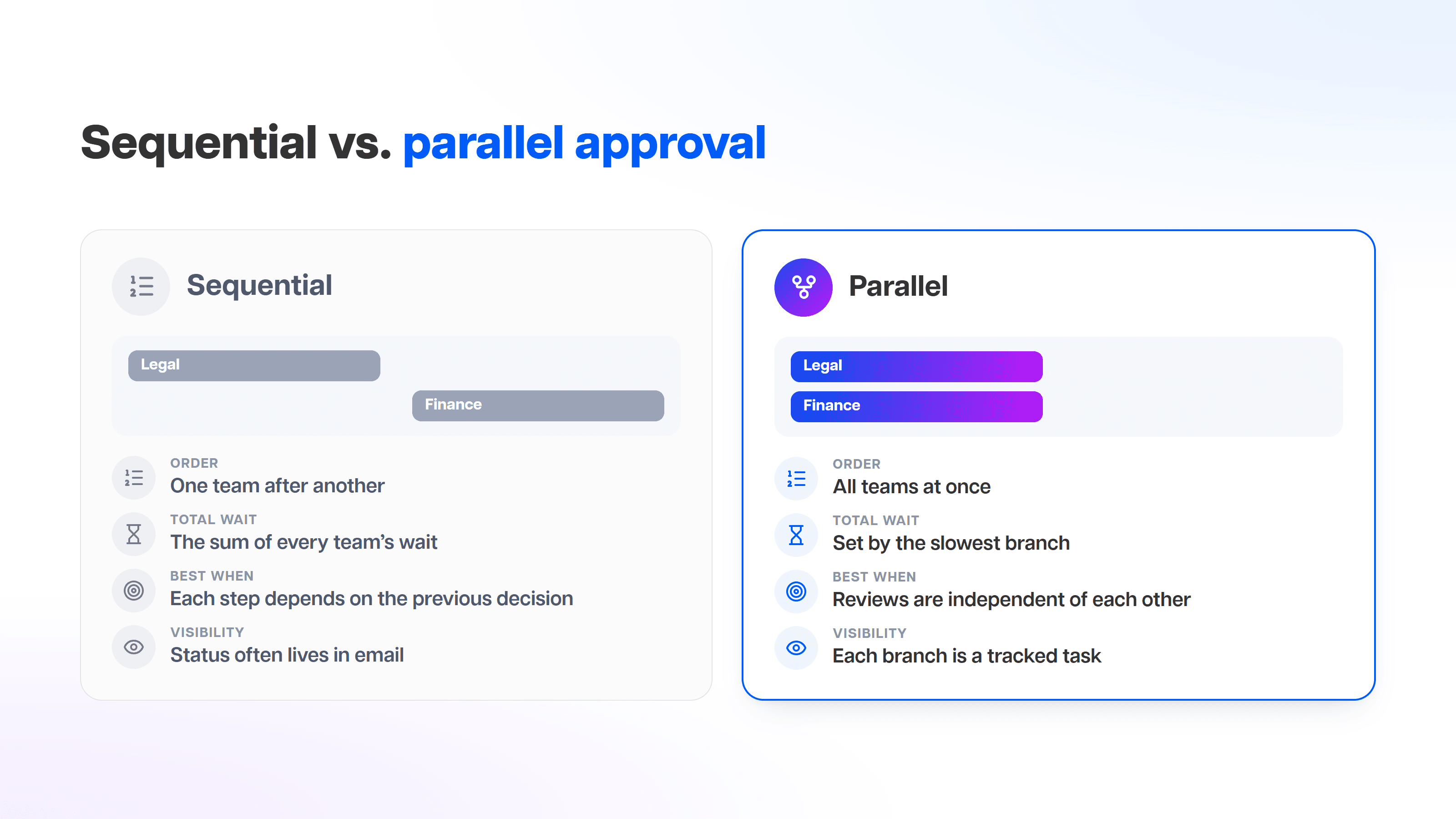
- Order: sequential, one team after another; parallel, all teams at once.
- Total wait: sequential, the sum of every team's wait; parallel, set by the slowest branch.
- Best when: sequential, each step depends on the previous decision; parallel, reviews are independent of each other.
- Visibility: sequential, status often lives in email; parallel, each branch is a tracked task.
Sequential approval still has its place: if Finance can't price a deal until Legal has changed the terms, the order matters. But when the reviews are independent, making them wait in line only adds delay.
The cost of sequential approvals
Sequential approvals rarely fail loudly. They just add up. Every handoff adds a wait for someone to notice the request, and every wait stacks on top of the last one. A request with three reviewers carries three queues, not one.
There are quieter costs too. When a request moves by email, nobody has a single view of where it is. Attachments go out of date as versions are forwarded. And when someone asks "who approved this, and when?", the answer is buried in a thread. Running independent reviews in parallel removes the stacked waiting, and running them inside a process tool gives each review a tracked task instead of an email.
Where parallel approvals help
How to build a parallel approval in Interfy Process
In Interfy Process, parallel approvals use the Parallel Gateway, the diamond with a "+" in the process designer. There are no separate split and join elements: the same gateway splits or joins depending on how many lines go in and out. You set it up by drawing, with no code.
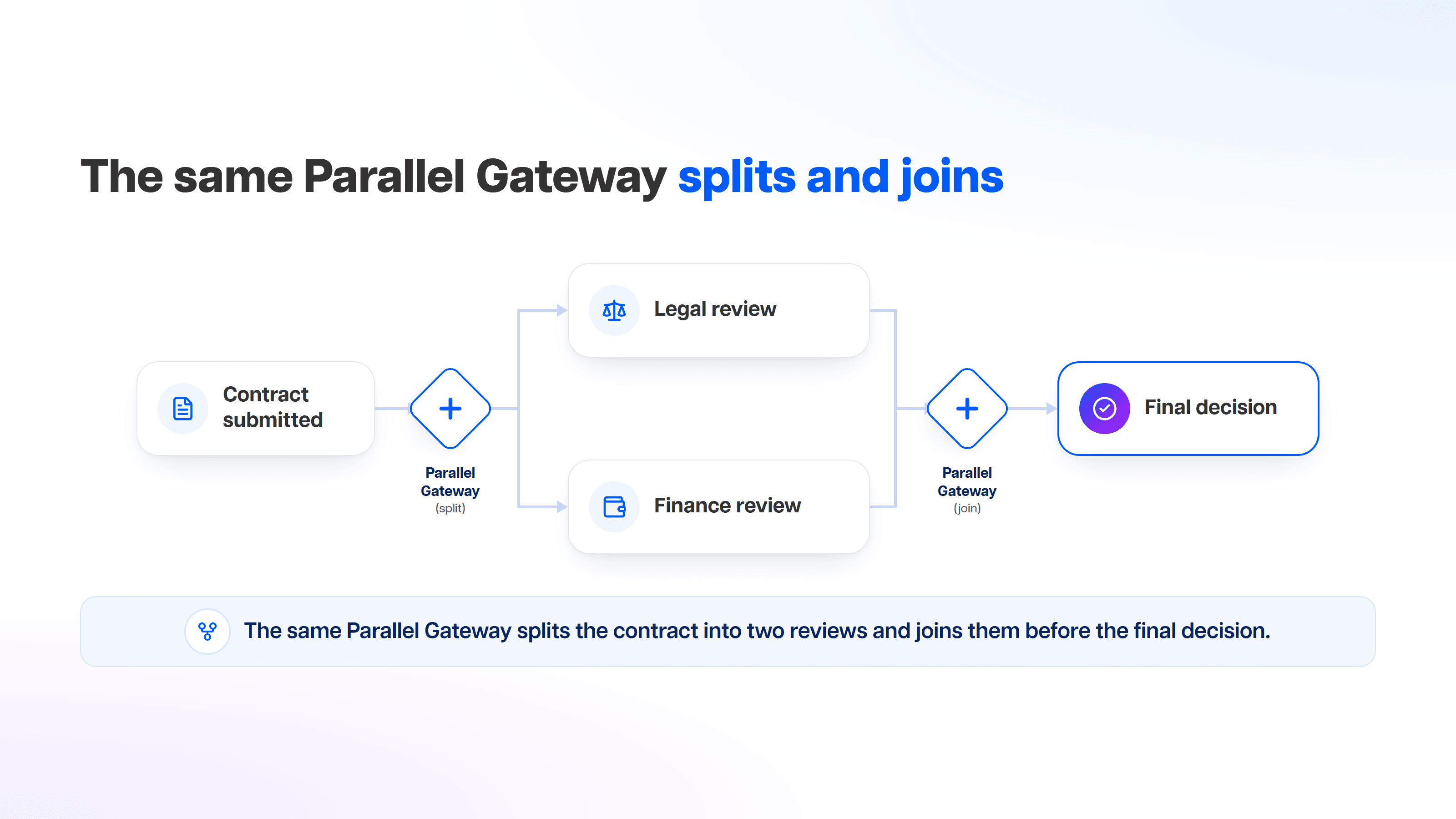
The same Parallel Gateway splits the contract into two reviews and joins them before the final decision.
- Start the process. Open the process designer in Interfy Process and add the step where the contract is submitted.
- Add a Parallel Gateway to split. Place a Parallel Gateway after the submission step and draw one outgoing line per team: one to a Legal review task and one to a Finance review task.
- Configure each review task. Assign each task to the right people or department, with the fields and documents that team needs to see.
- Add a Parallel Gateway to join. Draw both review tasks into a second Parallel Gateway. With several lines coming in and one going out, it acts as the join.
- Continue to the decision step. Connect the join to the final decision step. The decision task is created only after both branches have arrived.
When someone finishes their branch first, Interfy lets them know:
"You can complete this task. The process will wait for the other paths to finish before creating the next tasks."
Interfy Process, on completing a parallel branch
A few behaviors worth knowing before you design:
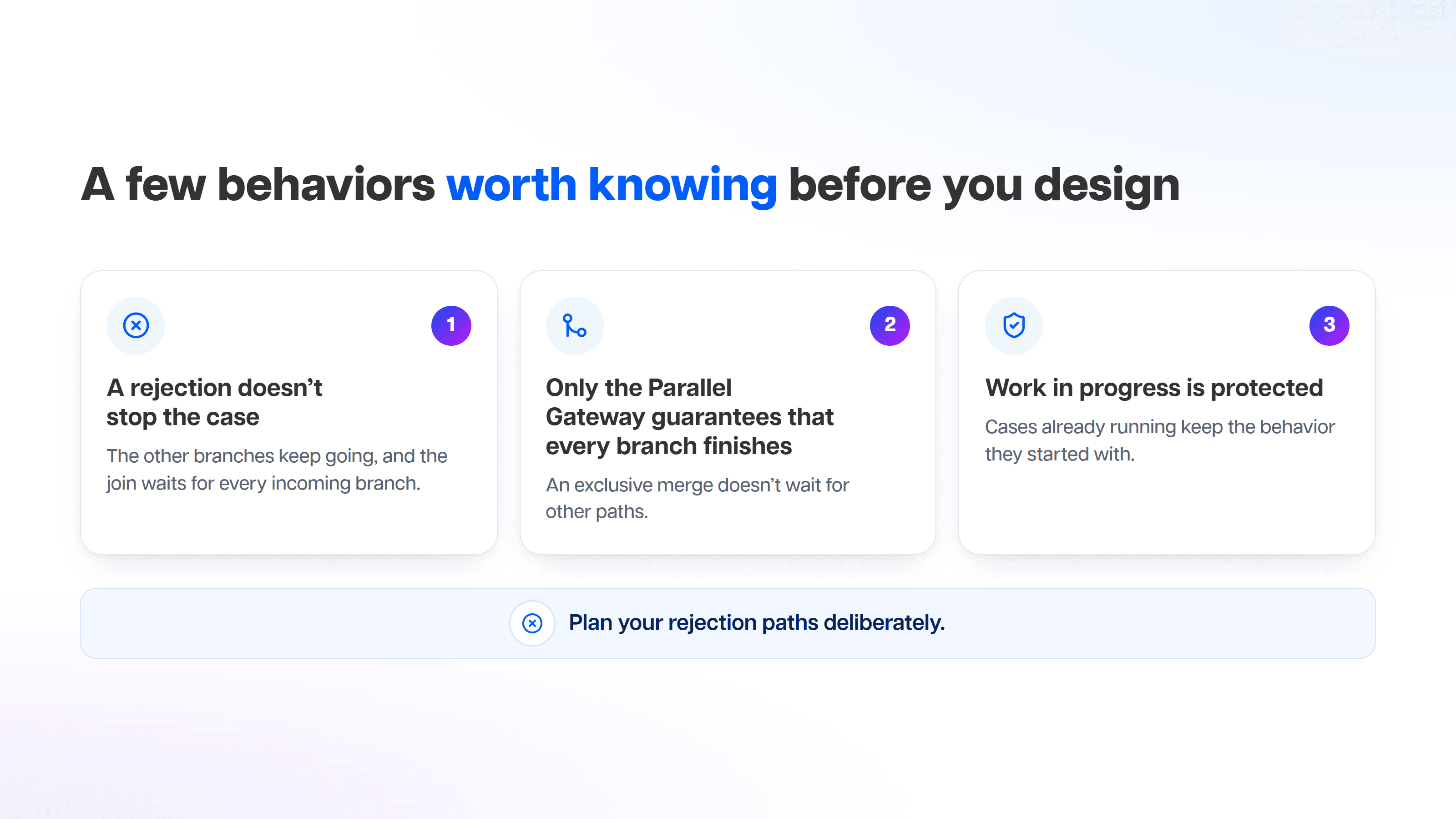
- A rejection doesn't stop the case. The other branches keep going, and the join waits for every incoming branch. If you route a rejection away from the join, the join keeps waiting for that branch, so the case stays open until someone finalizes or cancels it. Plan your rejection paths deliberately.
- Only the Parallel Gateway guarantees that every branch finishes. An exclusive merge doesn't wait for other paths, so use the Parallel Gateway when every review must be complete before the next step.
- Work in progress is protected. Cases already running keep the behavior they started with, so changing a design doesn't disrupt work in flight.
The feature is available on all Interfy plans and is rolling out to most workspaces. Learn more on the Interfy Process page.
Keep each case visible to the right departments
Approvals often involve sensitive documents. On the web, Interfy lets you restrict cases by department, so a case is visible to the teams that work on it rather than to everyone in the workspace. Combined with parallel branches, each department can do its part without opening access more widely than it needs.
Track every branch in My Activities and the All Cases report
Each parallel branch is a task, so reviewers find their pending approvals in My Activities alongside the rest of their work. Process owners and managers can follow cases in the All Cases report to see which ones are still waiting and move things along, instead of chasing status by email.
Connect approvals to other systems with Webhooks
If other tools need to know what happened, Interfy Webhooks can send process events such as tasks being assigned or closed and cases being finished or canceled. That makes it possible to notify another system or update a record when an approval completes, without anyone copying the result by hand.
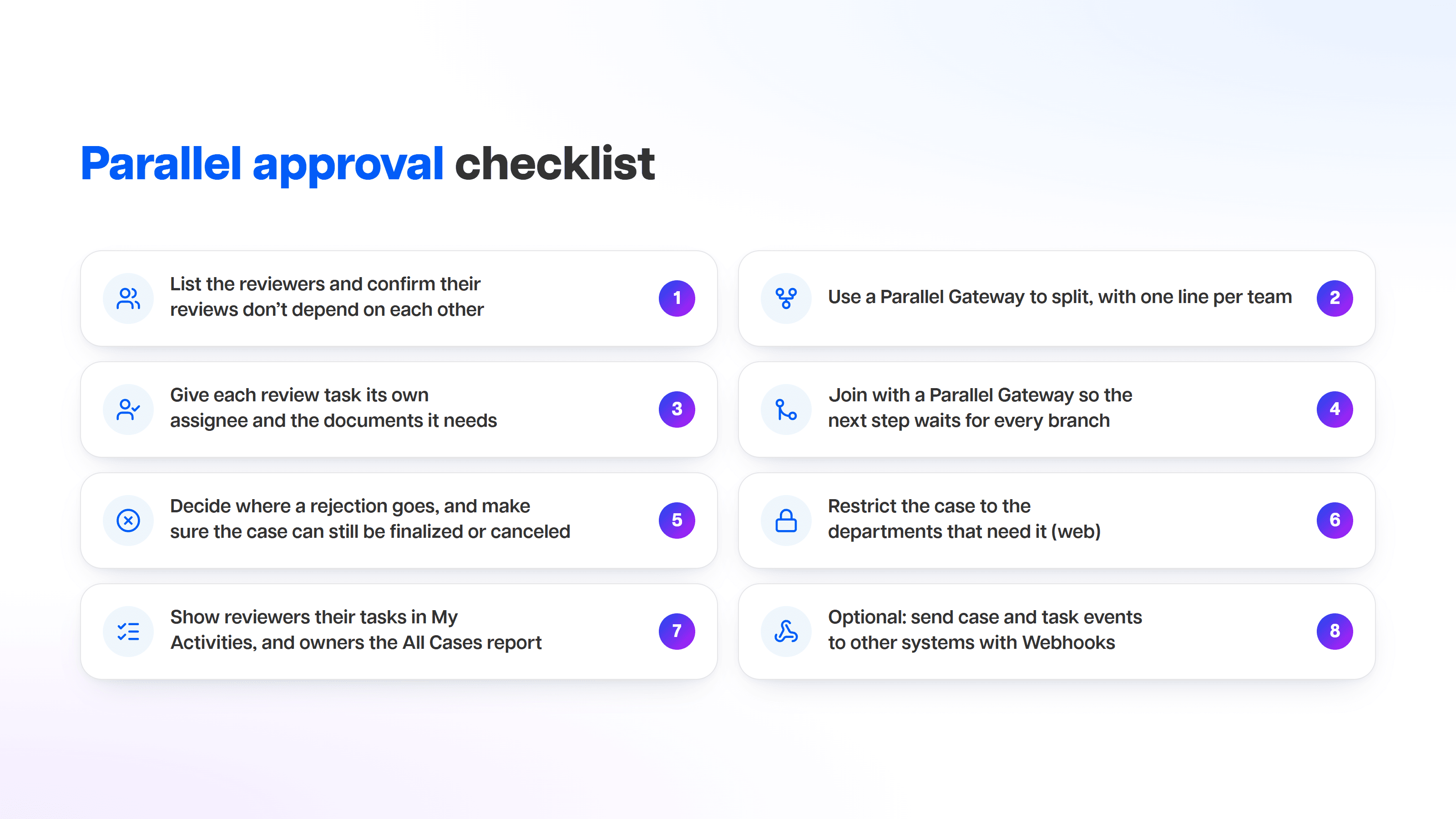
Parallel approval checklist
FAQ
What is a parallel approval workflow?
A process where one request goes to several reviewers or teams at the same time, each reviews it independently, and the process continues only after every branch has finished.
What is the difference between sequential and parallel approval?
In sequential approval, reviewers act one after another and each waits for the previous one. In parallel approval, independent reviewers act at the same time, and the next step starts when all of them are done.
How do I set up a parallel approval in Interfy?
In the Interfy Process designer, add a Parallel Gateway (the diamond with a "+") with one outgoing line per reviewer, then draw the review tasks into a second Parallel Gateway that joins them. No code is required.
What happens if one approver rejects in Interfy?
The case doesn't stop. The other branches continue, and the join waits for every incoming branch. If the rejection is routed away from the join, the case stays open until it is finalized or canceled.
Which Interfy plans include parallel approvals?
All Interfy plans include it. The feature is rolling out to most workspaces.
Can I limit who sees an approval case?
Yes. On the web, Interfy can restrict cases by department.
Related reading
- Interfy Process: workflow automation
- Interfy Sign: electronic signatures
- Legal document digitization
- Start an Interfy Test Drive
Approved contracts usually need signatures next, and Interfy Sign covers that step. Ready to take approvals out of the inbox? Start an Interfy Test Drive and build your first parallel approval today.
Frequently asked questions
What is a parallel approval workflow?
A process where one request goes to several reviewers or teams at the same time, each reviews it independently, and the process continues only after every branch has finished.
What is the difference between sequential and parallel approval?
In sequential approval, reviewers act one after another and each waits for the previous one. In parallel approval, independent reviewers act at the same time, and the next step starts when all of them are done.
How do I set up a parallel approval in Interfy?
In the Interfy Process designer, add a Parallel Gateway (the diamond with a "+") with one outgoing line per reviewer, then draw the review tasks into a second Parallel Gateway that joins them. No code is required.
What happens if one approver rejects in Interfy?
A rejection doesn't stop the case; other branches continue. By default, a rejection follows whatever path the process designer drew. If that path never reaches the parallel join, the join keeps waiting and the case stays open until it's finalized or canceled. An end event configured to finalize the case closes it, along with the other branches.
Which Interfy plans include parallel approvals?
All Interfy plans include it. The feature is rolling out to most workspaces.
Can I limit who sees an approval case?
Yes. On the web, Interfy can restrict cases by department.